
Use the Oasis POS web app to find the original bill, return only the items the customer brought back and record any money refunded. It’s for cashiers and supervisors who have access to sell returns.
In this guide
- Find the original bill
- Enter the items being returned
- Record money you refund
- Frequently asked questions
- Related guides
Find the original bill
Open Sell › All sales. Use the customer’s invoice number and check the date and branch. On the matching bill, open Actions › Sell Return.
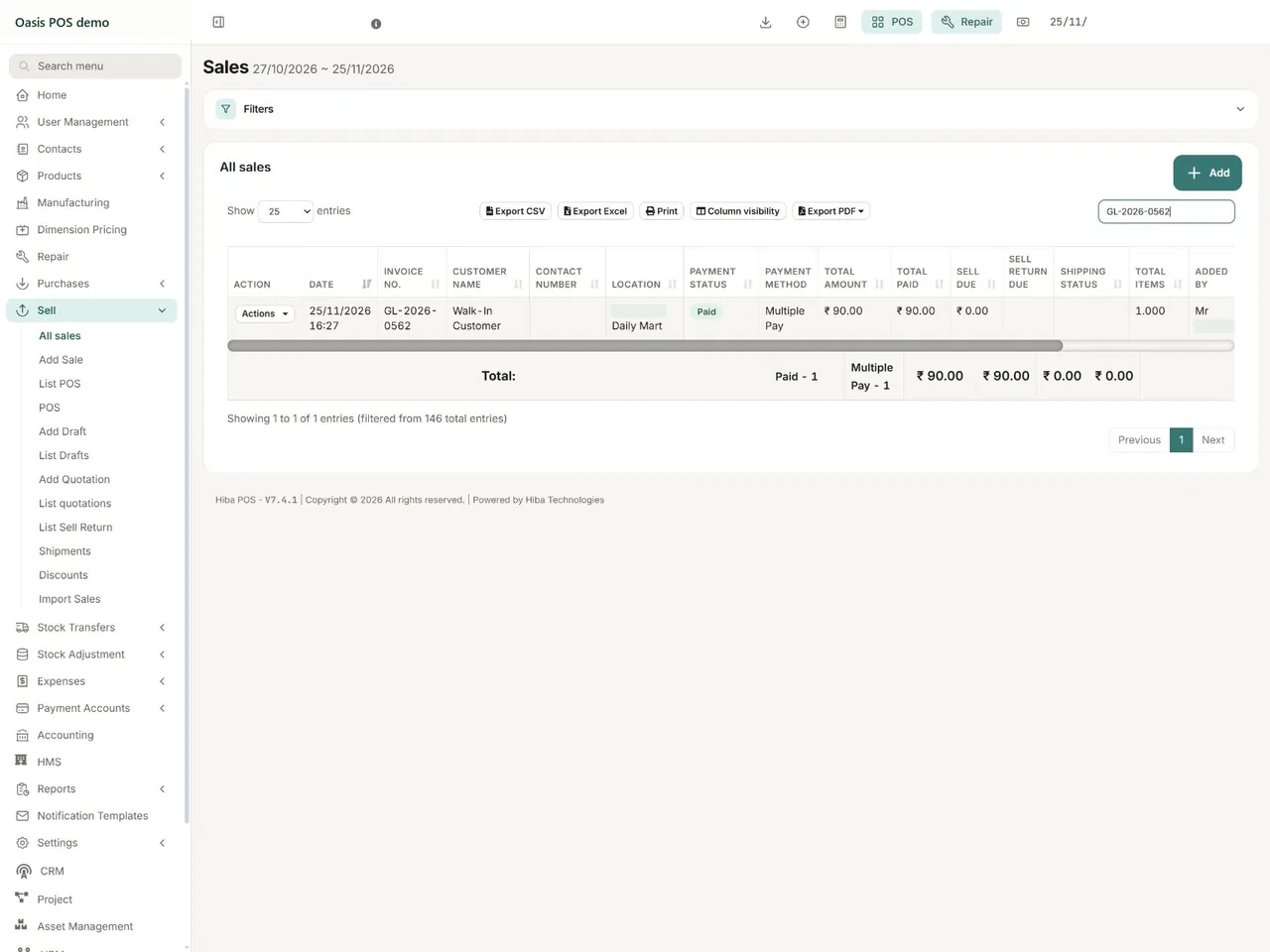
Enter the items being returned
-
Check the Parent Sale details. Enter the number of units being returned in Return Quantity on each affected line. Leave the other lines at zero for a new return.
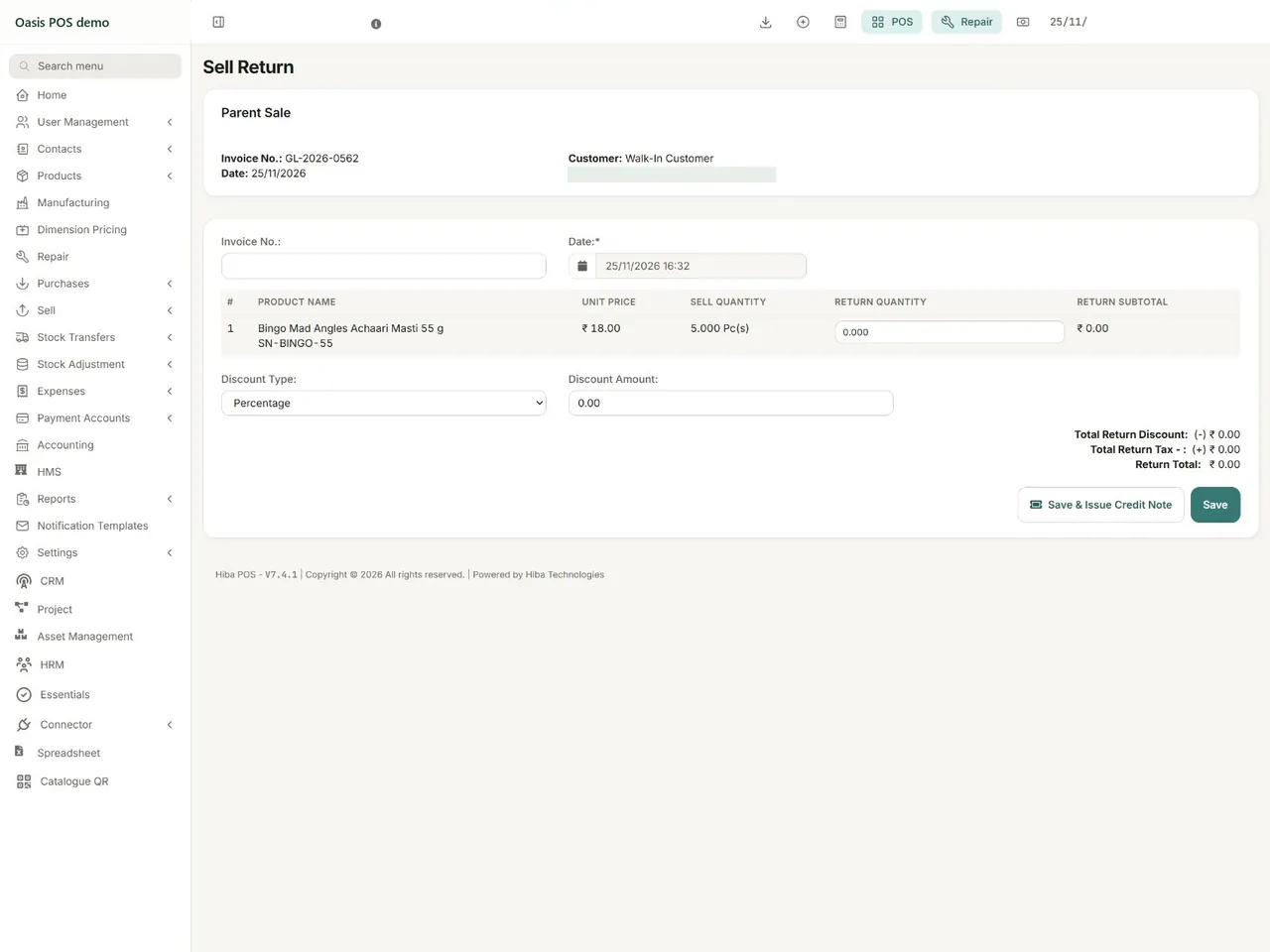
Enter one pack in Return Quantity.Open full size -
Check the return total, including any discount and tax shown. Click Save. If a return was already recorded against this bill, review the quantities and settlement before changing it.
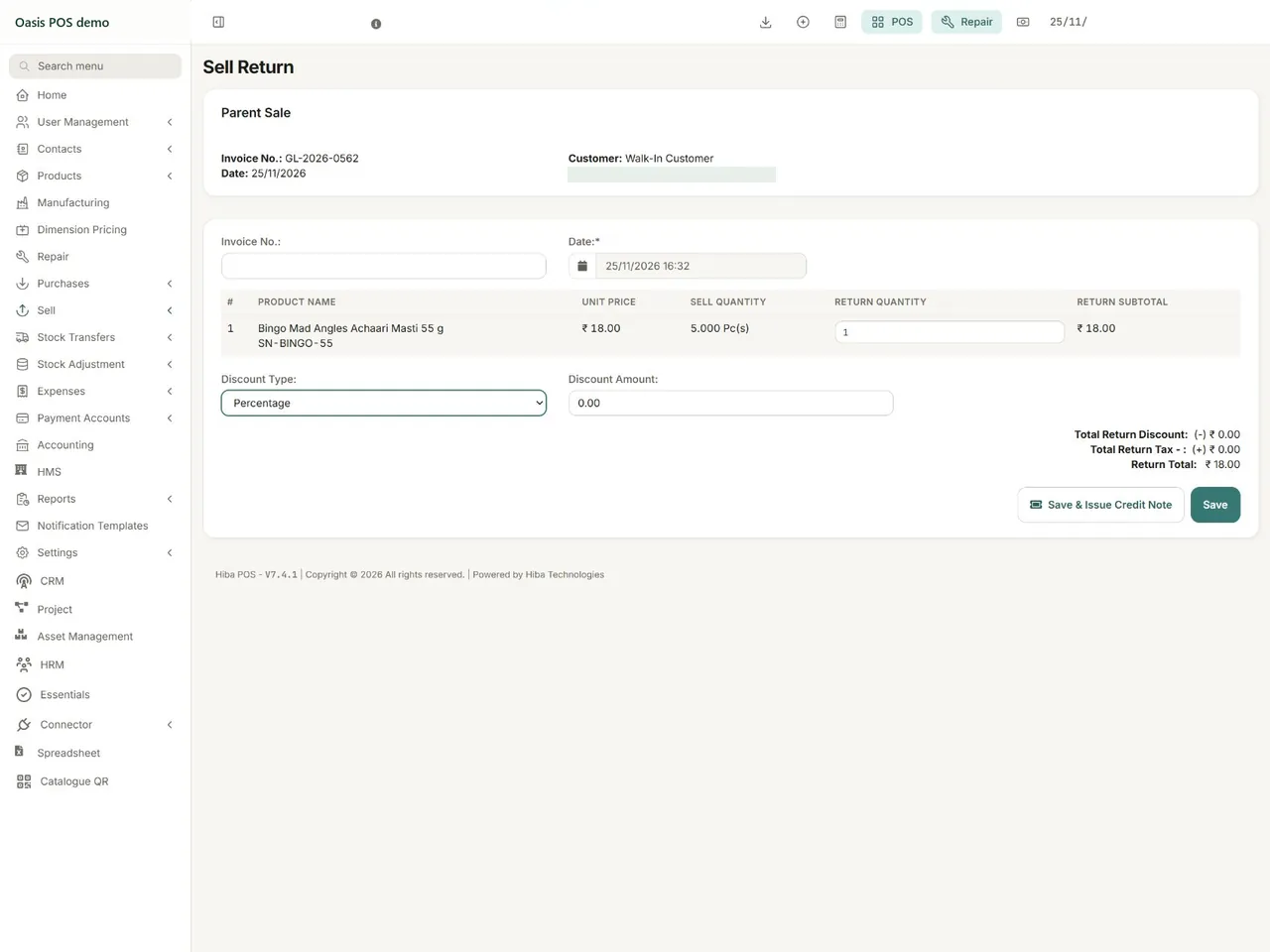
Review the return total and click Save.Open full size
Example. The customer bought five snack packs at ₹18 each and brings back one unopened pack. Enter 1 on that line. The example bill had no additional discount, so the return total is ₹18.
Record money you refund
-
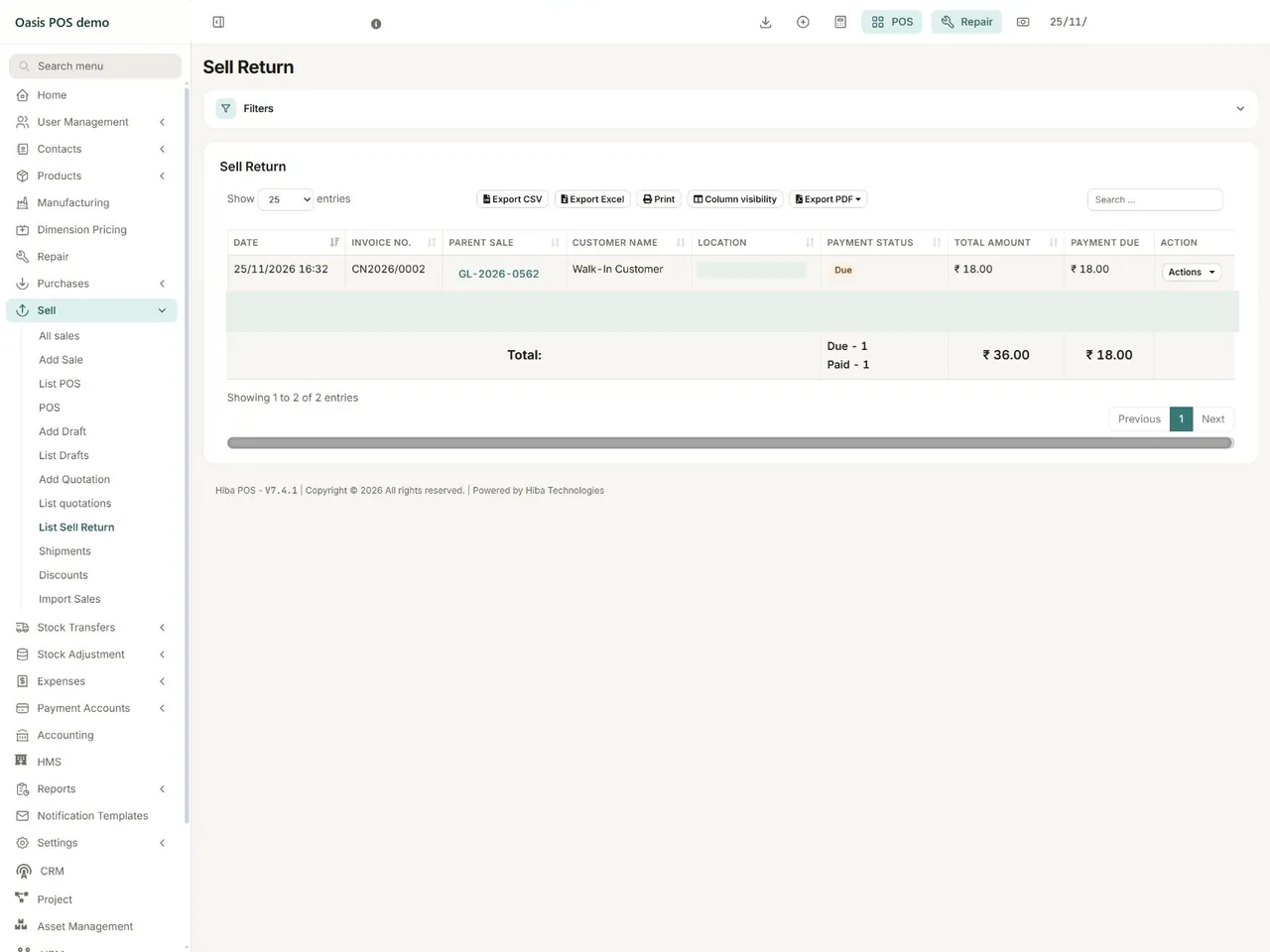
Open Sell › List Sell Return, find the return and check Payment Status and Payment due. If a refund is due and you have permission, use Actions › Add payment.
-
Under Payment Method, choose how you gave the money back. Check the Amount and click Save. In the example, the customer received ₹18 in cash.
Confirm the ₹18 cash refund on the payment form.Open full size 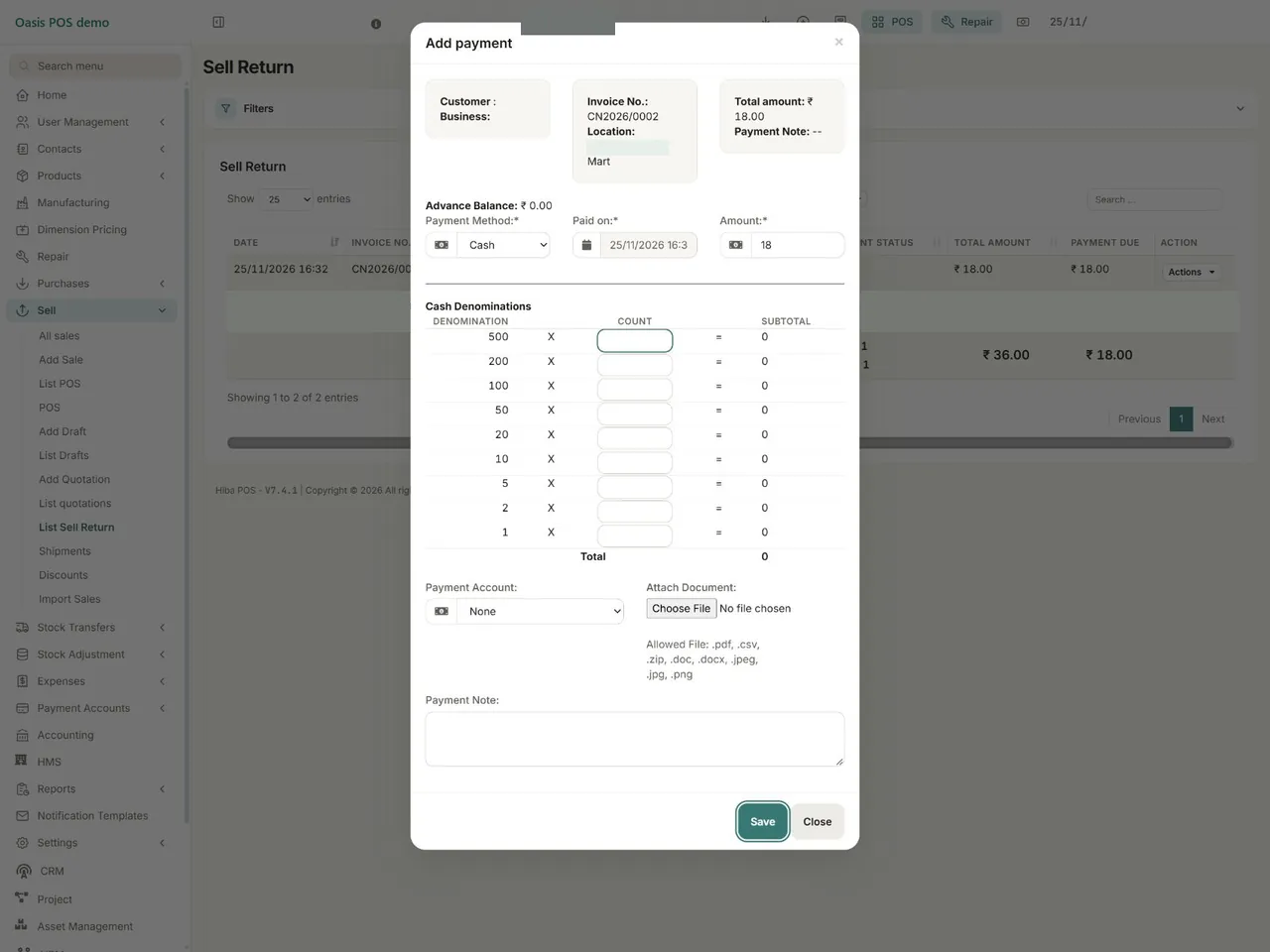
Save the refund payment.Open full size -
Use View Payments to check the saved record before handing over or sending money a second time.
A saved return records the stock and value change. For a UPI or card refund, follow your shop’s payment-provider process and record the actual refund in Oasis POS.
Frequently asked questions
What should I do with damaged or expired goods?
Keep the goods out of saleable stock and have the stock lead check the inventory movement. The standard sell return can increase tracked stock. Follow your shop’s process to account for goods that cannot go back on the shelf.
Can I return only one item on a multi-item bill?
Yes. Enter a quantity only on the returned item’s line. Check the total against the items physically returned.
Why isn’t Sell Return or Add payment available?
Check that you opened the correct completed sale or the right return. Ask a supervisor to check your location access and sell-return permissions. A settled return may no longer show Add payment.