Restaurant Settings: Address, Currency, Opening Hours, Logo
Your restaurant's name and address, country and currency, opening hours, shifts, and your logo and colour.
Watch demoSet up Oasis Table, from the menu and printers to orders, stock and reports.
Request a walkthrough for my business ↗Your restaurant's name and address, country and currency, opening hours, shifts, and your logo and colour.
Watch demoGST, bill round off, extra charges such as a packing charge, and what prints on the receipt.
Watch demoSet up your dining room the way it is laid out, and print a QR code for every table.
Watch demoCategories, dishes with photos and prices, sizes, add-ons, and loading a whole menu from a spreadsheet.
Watch demoTell Oasis Table which kitchen cooks which dish, so every order ticket goes to the right place.
Watch demoGive every person their own login, and decide what each role may do.
Watch demoOnline payments for guest orders, and the reasons your staff pick when they cancel or refund.
Watch demoCheck the counter's terminal and its printers, and print a test slip, on the Windows counter app.
Watch demoTake the order at the table on an Android phone; each kitchen gets its own slip straight away.
Watch demoDecide whether guests may order from their phones, call a waiter, and what they see.
Watch demoFrom an empty table to a paid bill on the Windows counter app.
Watch demoGive every pickup a token, show it on a screen where guests wait, and show the guest their order as you take it.
Watch demoAdd a dish, take one off, send a note to the kitchen, or cancel the whole order.
Watch demoTake money off a bill with a reason, and let one bill be paid in two ways.
Watch demoRefund a payment from the Payments list, with a reason, and find it in the Refund Report.
Watch demoWhat keeps working when the internet goes, and what happens when the line comes back.
Watch demoOpen the drawer with a float, record cash in and out, and close it against the expected amount.
Watch demoRun the kitchen from a screen instead of paper.
Watch demoThe guest scans the table's QR code, orders from their own phone, and calls the waiter from the same page.
Watch demoTake table bookings at the counter, and let guests book online.
Watch demoSet your delivery fee, add your riders, take a delivery order, and keep track of the cash they collect.
Watch demoGuests order for themselves on a screen, and pay at the counter.
Watch demoWhat you sold, how it was paid, the tax you collected, and what was cancelled or refunded.
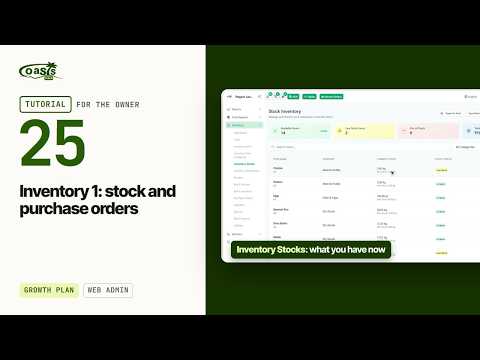
Watch demoUnits, stock items, suppliers and purchase orders.
Watch demoRecipes, automatic stock deduction, and what each dish earns.
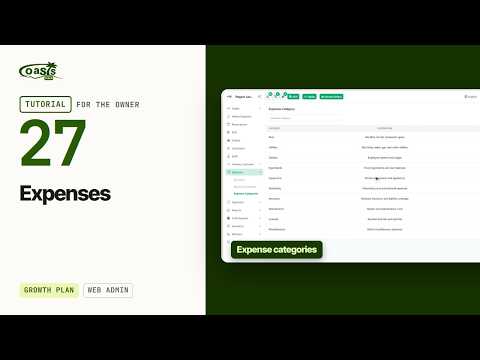
Watch demoRecord what the restaurant spends, so your books show more than sales.
Watch demoKeep your guests' names and phone numbers in one place.
Watch demoRun more than one outlet from the same login.
Watch demoLet’s look at your counter
Tell us what you sell, how you receive stock and what slows your team down. We’ll arrange a free consultation around the workflow you want to evaluate.
Already a customer? Visit support and guides →