How to record a phone repair job sheet in Oasis POS
Follow a repair intake from checking a device with the customer to recording its condition, assigning a technician and saving the estimate.
Watch demoSee handset billing, IMEI and warranty, repair job sheets and device handover.
Request a walkthrough for my business ↗Follow a repair intake from checking a device with the customer to recording its condition, assigning a technician and saving the estimate.
Watch demoPart 6, video 1 of 6. A sale on the web: the handset with the IMEI from the box typed on its line, the warranty already chosen, a case and a screen glass. Part paid by card, the rest by UPI later, both payments on one invoice. The tax invoice prints the IMEI, the warranty end date, the HSN codes and the GST split.
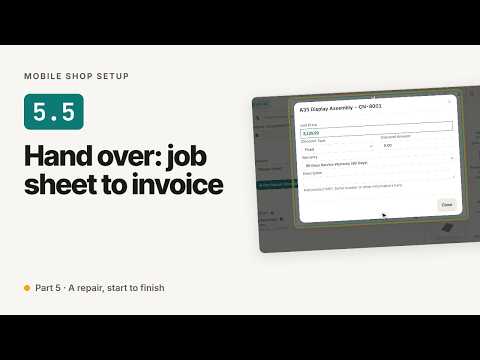
Watch demoPart 5, video 5 of 6. From the job sheet, Add Invoice: the customer and the part come with it, with its warranty. Add the service charge, the status Delivered and the repair warranty: part and labour on one bill, paid by UPI. Then close the job sheet: Delivered, with its invoice number.
Watch demoPart 6, video 6 of 6. A phone comes back with no bill. In the Items Report, set the dates wide and search the IMEI: one line with its purchase and its sale, the invoice number, the customer and the branch that sold it. It works because the cashier typed the IMEI on the bill.
Watch demoLet’s look at your counter
Tell us what you sell, how you receive stock and what slows your team down. We’ll arrange a free consultation around the workflow you want to evaluate.
Already a customer? Visit support and guides →