Mobile Shop Setup, Part 1: Start Here (Full Course)
Watch this Oasis tutorial on Mobile Shop Setup, Part 1: Start Here (Full Course). Review the settings and workflow for your own business before applying them.
Watch demoPart 1 of the mobile shop setup course covers start here.
Request a walkthrough for my business ↗Watch this Oasis tutorial on Mobile Shop Setup, Part 1: Start Here (Full Course). Review the settings and workflow for your own business before applying them.
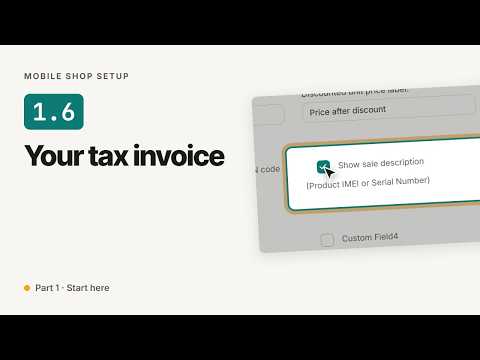
Watch demoPart 1, video 6 of 6. Make an invoice layout with the detailed GST design: your logo, the HSN code of each item, the sale description line where a handset's IMEI or serial number prints, the warranty and the date it ends, and your terms. Make it the default, then give it to every branch.
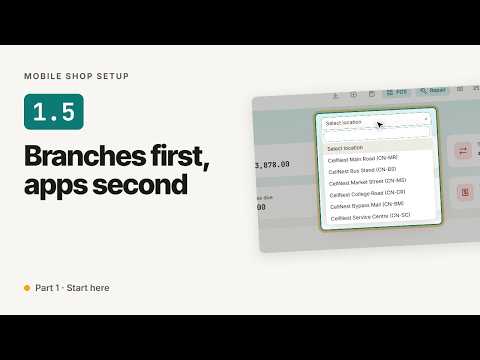
Watch demoPart 1, video 5 of 6. Add every branch before any counter signs in. Then the counter app knows all of them from its first sign-in: Stock lookup shows any branch's stock, and transfers know every branch too.
Watch demoPart 1, video 4 of 6. One invoice scheme per branch, with its own prefix. Then rename the first location as your main branch, give it a location code, phone number and its own scheme, and add every other branch the same way: five shops and a service centre, each billing with its own numbers and holding its own stock.
Watch demoWatch this Oasis tutorial on 1.3 GST. Review the settings and workflow for your own business before applying them.
Watch demoPart 1, video 2 of 6. Your logo for every invoice, dates day first, the financial year from April, your GSTIN, a short prefix for product codes, Pieces as the default unit, totals rounded to the rupee and the signed-in user as the sales person on each bill.
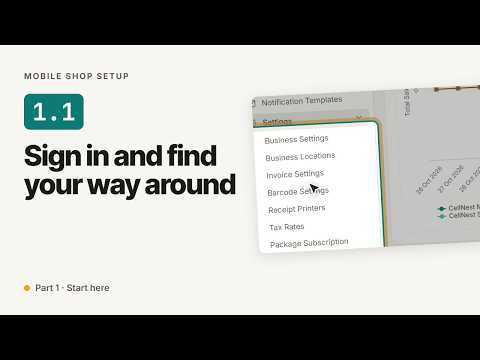
Watch demoPart 1, video 1 of 6. Sign in with the link, username and password our team sends you, take the short tour or skip it, then find your way: the home page with sales, purchases, dues and expenses at a glance, the menu (contacts, products, purchases, sales, reports), and the menu search that finds any page in a second.
Watch demoLet’s look at your counter
Tell us what you sell, how you receive stock and what slows your team down. We’ll arrange a free consultation around the workflow you want to evaluate.
Already a customer? Visit support and guides →