3.1 Add your suppliers: GSTIN, pay term, opening balance | Garment shop setup
Part 3, video 1 of 3. Add a supplier as a business: name, mobile, GSTIN, the opening balance (what you already owe them today) and the pay term (here 30 days).
Watch demoChoose a playlist for your business, or browse every video.
Part 3, video 1 of 3. Add a supplier as a business: name, mobile, GSTIN, the opening balance (what you already owe them today) and the pay term (here 30 days).
Watch demoAll four videos of Part 4 in one: a supplier's bill entered size by size with tags from it, a bill scanned with the phone, paying a supplier and reading their ledger, and sending goods back. Prefer short videos? The same steps one by one are in the playlist.
Watch demoPart 1, video 1 of 6. Your first sign-in, the first-login tour, and where everything lives: the home page, the menu (contacts, products, purchases, sales, reports), the menu search, and Settings.
Watch demoPart 1, video 2 of 6. Upload your logo, set dates to day-month-year, check the April financial year, add your GSTIN, give product codes a prefix, make pieces the default unit, round totals to the rupee, and credit every sale to the person who made it.
Watch demoWatch this Oasis tutorial on Garment Shop Setup, Part 1: Get Started (Full Course). Review the settings and workflow for your own business before applying them.
Watch demoThe complete walkthrough of a bakery cum café on Oasis POS, the billing, production and accounting software for bakeries, cake shops and cafés. Setting up: products with HSN codes, units, bulk import from one spreadsheet, staff roles, the café's tables and waiters. Recipes that count peel waste, gas and labour, so you know what one veg puff really costs. The…
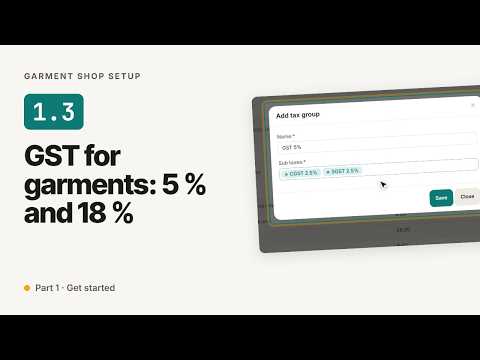
Watch demoWatch this Oasis tutorial on 1.3 GST for garments. Review the settings and workflow for your own business before applying them.
Watch demoPart 1, video 5 of 6. Switch on payment accounts, name UPI as a payment method, add account types (Cash, Bank) and three accounts (cash counter with your opening cash, the bank's current account, UPI collections), then tell your shop where each payment goes, and hide the methods you don't use.
Watch demoPart 1, video 6 of 6. Make a "Counter" role with only what the counter needs (customers, viewing products, billing, line discounts, printing, own sales and returns, the cash register), then a login for your cashier: the shop's number is added to the username, the role is Counter, one shop, sales commission and a discount limit.
Watch demoPart 1, video 4 of 6. An invoice series with your own prefix and the financial year (CC/26-27/0001), a 3-inch thermal receipt that prints the MRP, the customer's savings and reward points, your logo and your exchange policy, and both connected to your shop.
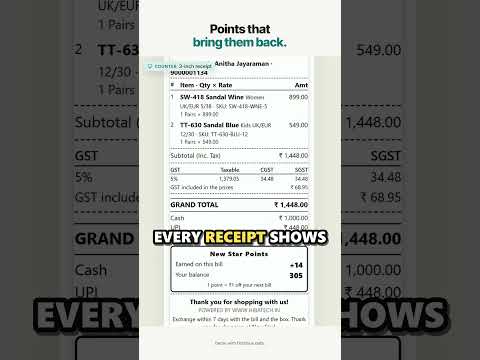
Watch demoA regular is back: 150 points come off his bill, and every receipt shows his balance.
Watch demoThe pair goes back against his bill, a credit note is issued, and it pays for size 9 on a new bill.
Watch demoWatch this Oasis tutorial on Footwear Shop Billing Software: Complete Setup. Review the settings and workflow for your own business before applying them.
Watch demoWatch this Oasis tutorial on Season sale? The bill does the maths #Shorts. Review the settings and workflow for your own business before applying them.
Watch demo1. Scan the box, bill in seconds 2. A size exchange in one visit 3. Stock by size across branches 4. Know who sold what.
Watch demoWatch this Oasis tutorial on Who sold the most pairs? Salesman commission #Shorts. Review the settings and workflow for your own business before applying them.
Watch demoStock by size at both branches, and one pair moves across in a minute.
Watch demoThe phone reads the supplier's bill, matches every size by its code, and syncs when the signal is back.
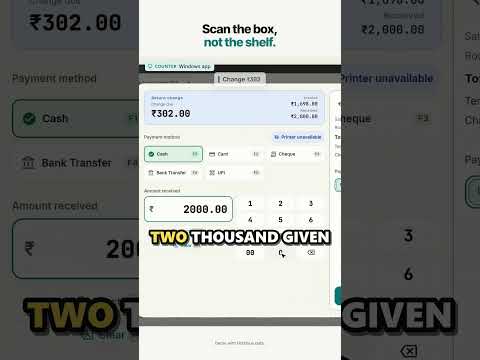
Watch demoScan the QR on the box: the article and its size are on the bill, the season price comes off by itself.
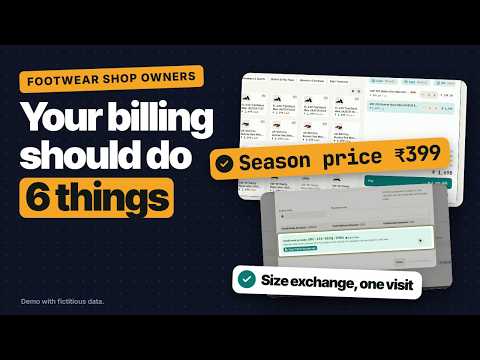
Watch demo1. Scan the box, bill in seconds 2. A size exchange in one visit, with a credit note 3. The season sale prices itself 4. Points that bring customers back 5. Stock by size across branches 6. Know who sold what.
Watch demoA day at a two-branch footwear shop on Oasis POS: the counter scans the box QR, the season sale prices itself, a regular is found by mobile and pays cash + UPI, a bill waits while he tries a size. Size 8 didn't fit: the pair is returned against the bill, a credit note pays for size 9. Points come off a regular's bill. Stock arrives by size, a supplier's bill is…
Watch demoThe complete walkthrough of a bakery cum café on Oasis POS, the billing, production and accounting software for bakeries, cake shops and cafés. Setting up: products with HSN codes, units, bulk import from one spreadsheet, staff roles, the café's tables and waiters. Recipes that count peel waste, gas and labour, so you know what one veg puff really costs. The…
Watch demoFollow a lead, a quotation, a GST invoice and the money still owed.
Watch demoSee how the agency demo handles enquiries, quotations, GST invoices and collections.
Watch demoSee tags, barcode checkout, split payments and exchanges against the original bill.
Audio: English
Watch demoSee the daily gold rate, net weight, identification details and the old gold workflow.
Watch demoReview gold rates, net weight, exchanges, invoices and repair handling in the jewellery demo.
Watch demoSee tags, stock by size, barcode billing and exchanges in a garment shop demo.
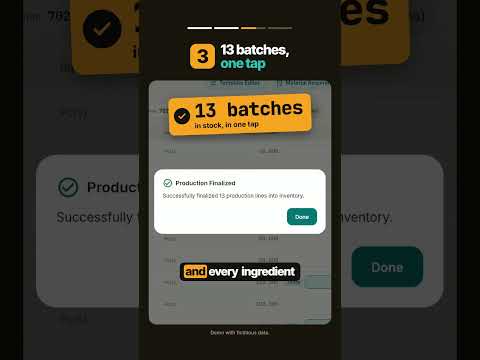
Watch demoSee recipe costing, ingredient checks, production batches and billing in a short bakery demo.
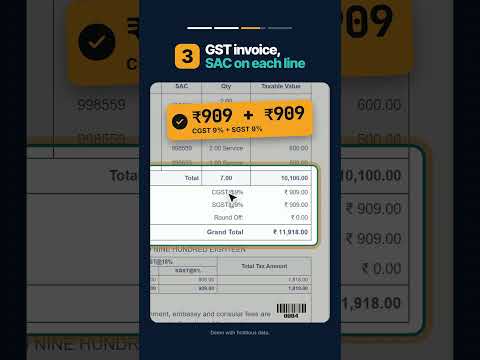
Watch demoFour bakery workflows covering recipe costs, ingredient checks, batches and GST billing.
Watch demoLet’s look at your counter
Tell us what you sell, how you receive stock and what slows your team down. We’ll arrange a free consultation around the workflow you want to evaluate.
Already a customer? Visit support and guides →